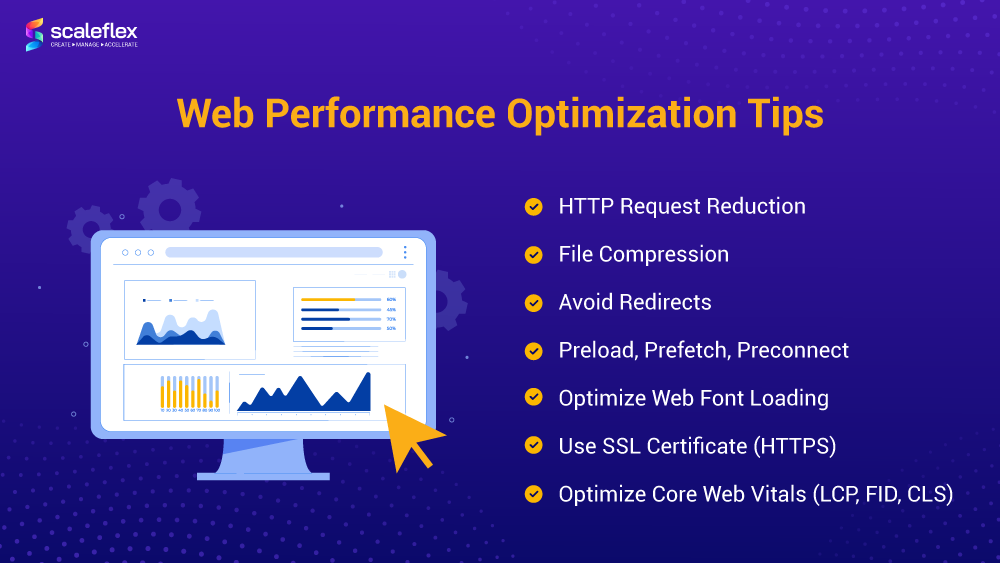
5 Essential Tips to Enhance Your Website's Loading Speed
In today's digital landscape, website loading speed plays a pivotal role in user experience and SEO performance. Slow-loading sites can frustrate visitors and lead to increased bounce rates, ultimately affecting your site's search engine ranking. Here are five essential tips to enhance your website's loading speed:
- Optimize Images: Compress images without losing quality. Use formats like WebP for better performance and make sure to specify dimensions to prevent layout shifts.
- Leverage Browser Caching: Enable caching to store frequently accessed resources in users' browsers, thus reducing load times for returning visitors.
- Minify CSS and JavaScript: Remove unnecessary characters, comments, and whitespace from your code to reduce file sizes.
- Use a Content Delivery Network (CDN): Distribute content across various geographical locations to serve your users from the nearest server.
- Reduce Server Response Time: Optimize your hosting plan or switch to a more efficient server to improve load times.
How Website Performance Affects User Experience and Conversion Rates
Website performance plays a critical role in shaping user experience. When a website loads slowly, visitors are more likely to abandon it before it fully loads, leading to increased bounce rates. According to studies, a mere one-second delay in load time can result in a significant drop in user satisfaction. In an age where users expect instant access to information, optimizing website speed is not just a technical requirement but a vital component of retaining visitors and ensuring they engage with your content. A smooth and fast browsing experience fosters trust and encourages users to explore further, resulting in lower abandonment rates and improved interaction with your site.
Moreover, website performance directly influences conversion rates. If potential customers face delays or interruptions while navigating an online store, they are far less likely to complete a purchase. Research indicates that even a slight decrease in loading speed can decrease conversion rates by several percent, translating into significant revenue losses for businesses. To drive conversions, it is essential to create a seamless experience where users can easily find what they are looking for and complete transactions without hassle. By investing in performance optimization, businesses not only enhance user experience but also boost their bottom line.
Is Your Site Sluggish? Common Causes of Slow Web Performance and How to Fix Them
Is your site sluggish? Slow web performance can significantly impact user experience and SEO rankings. Common causes of a sluggish website can range from unoptimized images to excessive HTTP requests. For instance, large images can take longer to load, slowing down your webpage. Additionally, an overabundance of plugins or scripts can lead to performance issues as the server struggles to process multiple requests simultaneously. Here are some common culprits for slow web performance:
- Unoptimized images
- Too many plugins
- Heavy server load
- External embedded content
To enhance your site's performance, consider the following fixes: Firstly, compress your images using tools like ImageOptim or TinyPNG to significantly reduce load times. Secondly, minimize the number of plugins and scripts that your site relies on; deactivate and delete any unnecessary ones. Lastly, consider using a Content Delivery Network (CDN) to distribute your content globally, reducing the load time for users regardless of their geographic location. By addressing these common causes, you can greatly improve your website's speed and overall user satisfaction.